Showing posts with label ipad. Show all posts

Saturday, 11 May 2013

We have a Quiltography winner!

The Sew Mama Sew Giveaway officially closed in the early hours of this morning and using random.org's number generating app the winner is... drumroll please... #41!!!


Number 41 was Mary@Quilt Genius who said...


"What a great app! I have EQ6 on my home computer. Maybe this will be the 
option I can use on the go. :)"

Congratulations, Mary; I will email you shortly with all the details you need to claim your prize!

Thank you to everyone who entered; I loved reading every single one of your comments, please consider going over to the App Store to check it out (if you haven't already!)


If you have already downloaded your very own copy of Quiltography and you're liking it then why not stop by the App Store anyway to leave a review? If you have any questions or suggestions about Quiltography then please get in touch by email or at Quiltography.co.uk and we'd love to help you out!

J x


Monday, 6 May 2013

It's Giveaway Day!!!

EDIT: Sorry, the giveaway closed at 1am on Saturday 11th May, I will be posting 
the winner later on today and will link back!

In honour of Sew Mama Sew's Big Giveaway Day (and mostly because I just want to play along!) I will be giving away a copy of Quiltography for iPad. Hello to everyone that has come over from Sew Mama Sew and a special hello to anyone that normally stops by anyway!


Quiltography is a brand new iPad app for quilters. It is a quilt design tool that reduces the need to buy quilt patterns, makes it quick and easy to audition fabrics and most importantly limits fabric wastage!


My boyfriend and I have been working on Quiltography for nearly 2 years and it is great to finally be able to share it with everyone. So please go check it out and the App Store to see if it's just the iPad tool you have been looking for.


You can read all about Quiltography for iPad on the App Store listing here, check out my previous blog posts here and here, or see what Lily's Quilts had to say about it here and you can check out loads of images here.


Entering is simple; leave one comment on this post so we can all get to know each other better. For extra entries come back and leave another comment with a link if you have mentioned #Quiltography in a blog post / on twitter / facebook / google+... you can leave 1 additional comment for each share.


When the giveaway closes on May 10 at 5pm PST (that's 1am on 11th May for anyone in the UK - or anywhere else on GMT) all the comments will be thrown into a metaphorical hat and the first randomly generated comment will receive an email from me with a free download code (so please make sure that you are not a no-reply blogger, or we won't be able to contact you with your prize.)

I will ship nationally, internationally or interstellar-ly (if you have an iPad in outer space then leave a comment!)

Please note that Quiltography currently only runs on iPad; unfortunately we can't offer it for iPhone, iPod or any android devices at this time (as my poor boyfriend only has 2 hands) but hopefully it will be available in the future.

Good luck!

Jennie x

ps. I am also connecting with the Stitch by Stitch linky party

Sunday, 5 May 2013

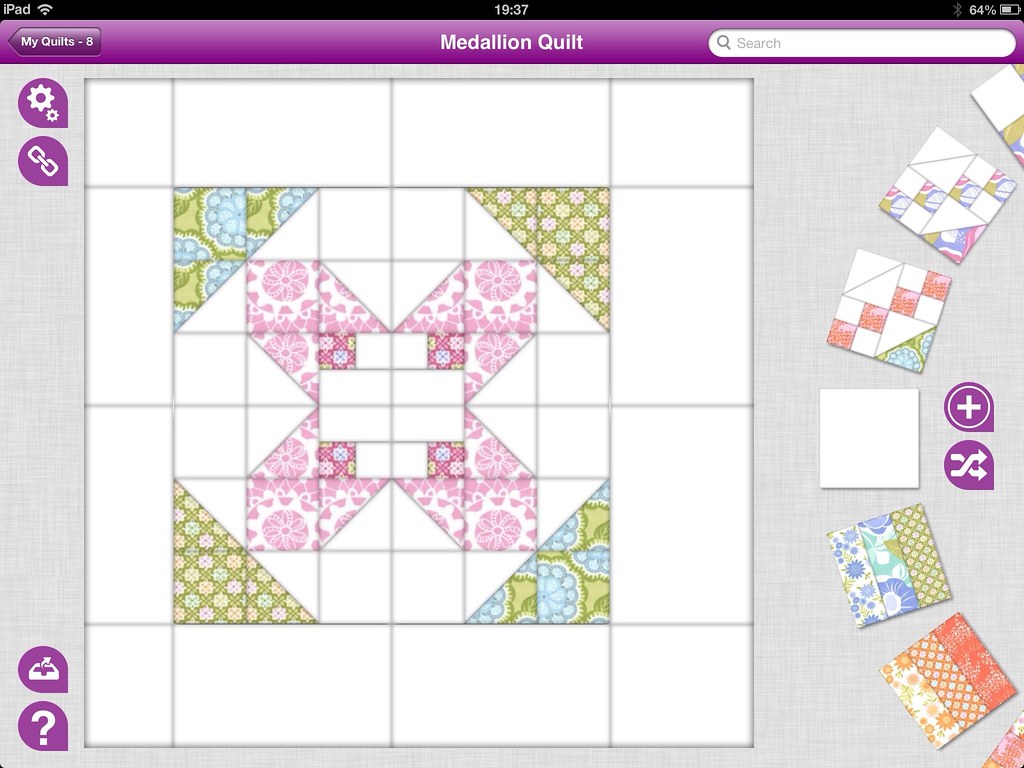
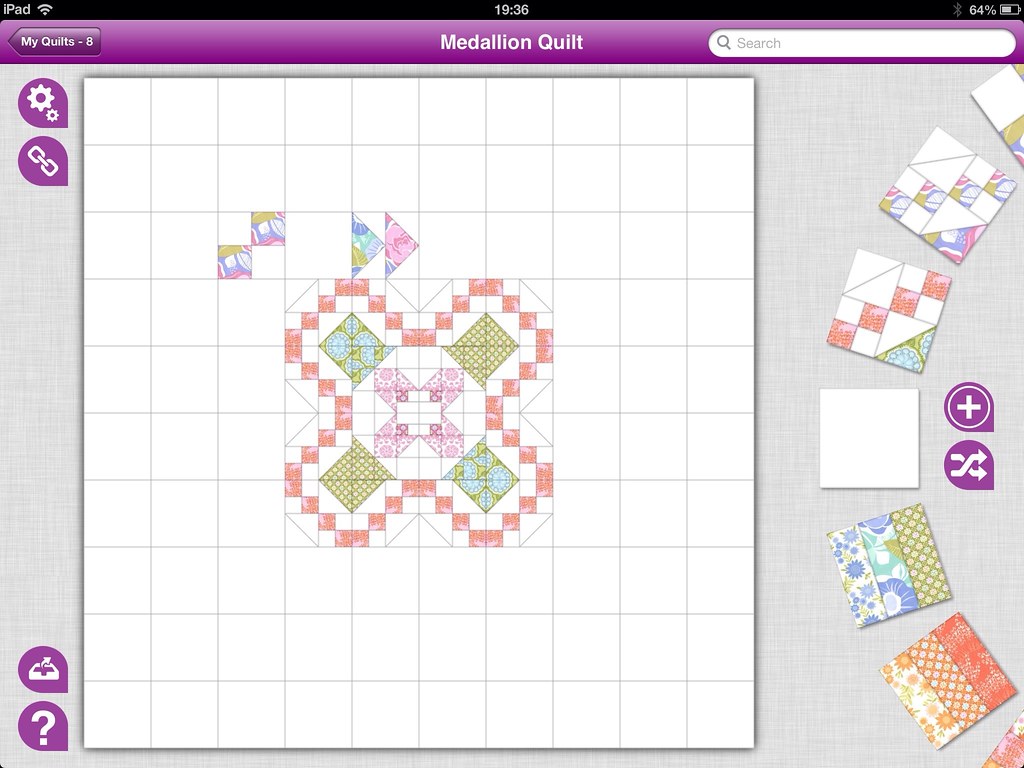
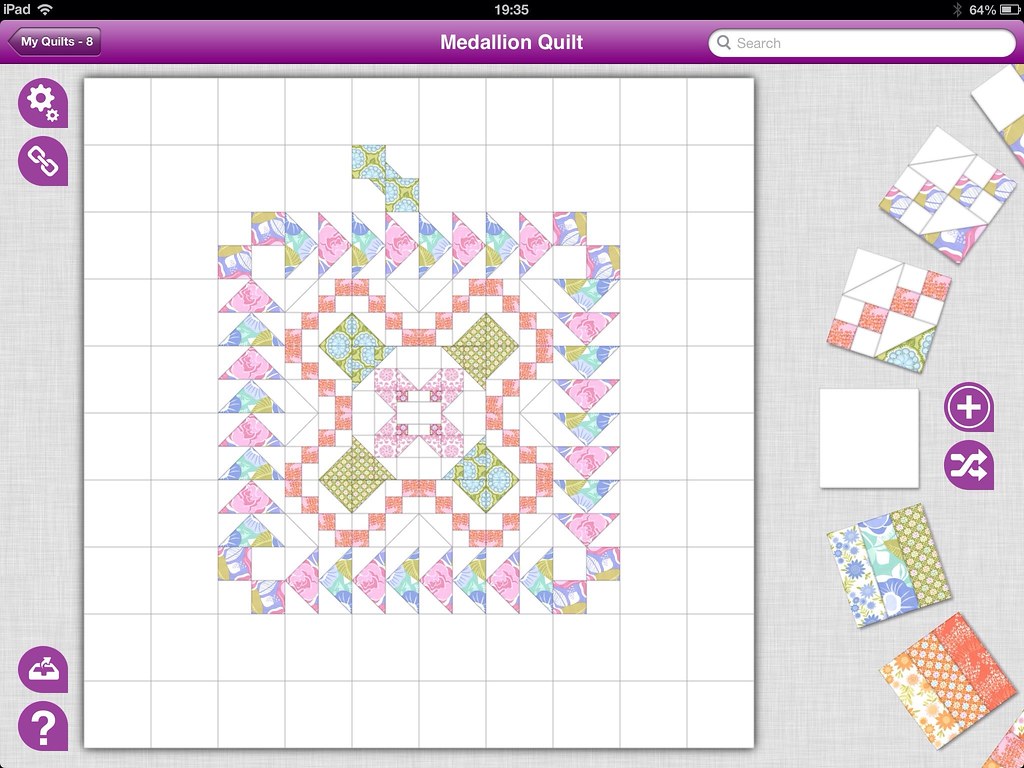
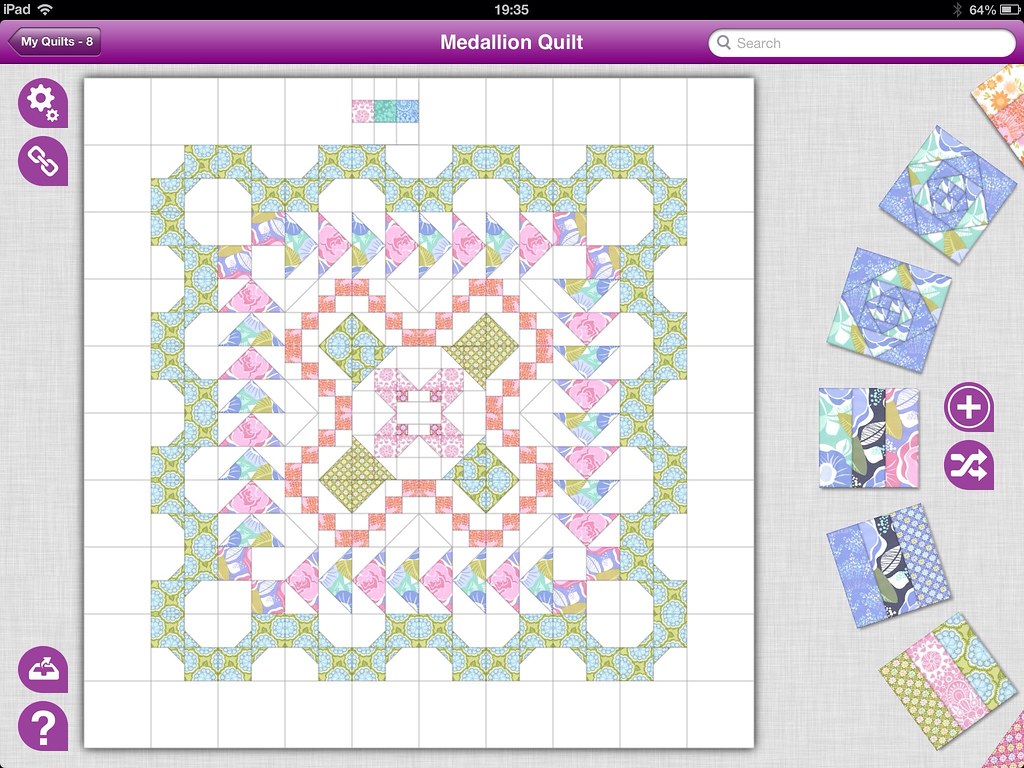
Quiltography Tutorial: Medallion Quilts

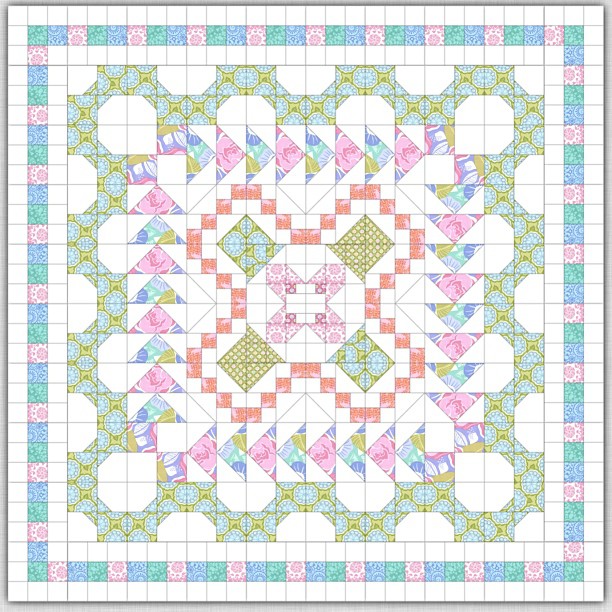
I have been playing about with the design possibilities of Quiltography and have spent a little bit of time trying out a Medallion Quilt. I have never got around to making a real one, but a digital version seemed within my grasp.


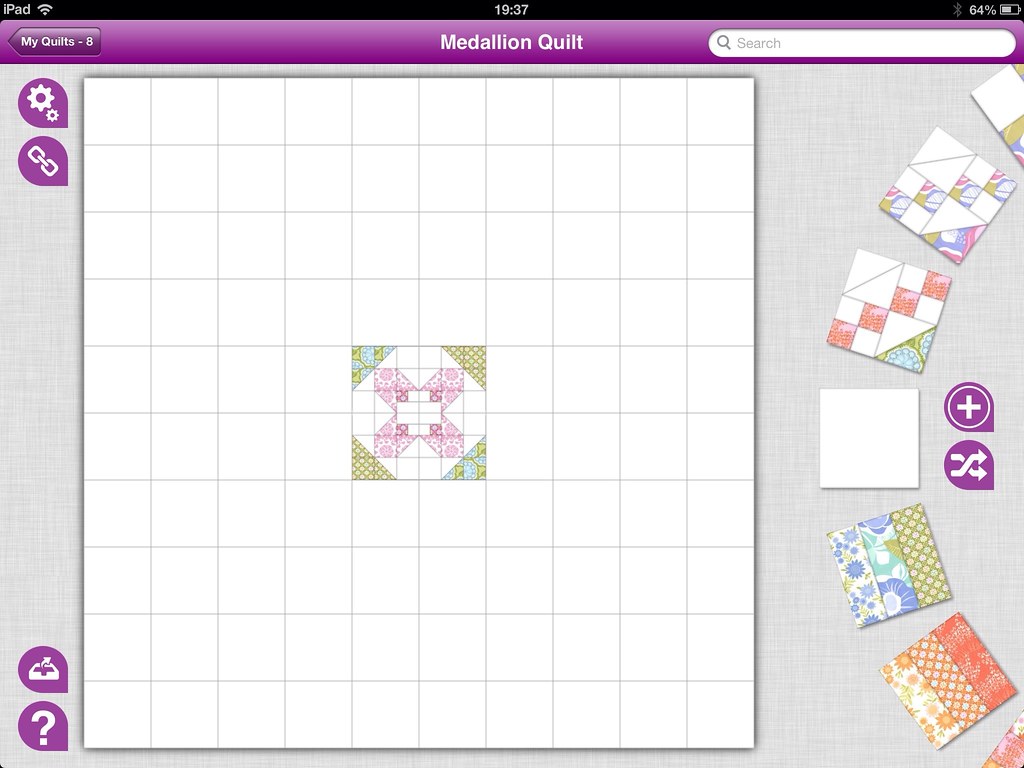
This is my first Medallion Quilt and it was really easy to do on Quiltography the only thing you need to remember is that to start with you will need a square quilt with an EVEN number of blocks horizontally and vertically (mine is 10 blocks wide)


For the central medallion I chose a block from the templates that could be rotated about a central point to form another block- my favorites were on point blocks and I had already created this flower on an earlier quilt.


Make sure the set of 4 blocks that makes up your medallion, is in the centre of the quilt; then it is just a case of working your way around in concentric circles.

Round 1: I used a Jacob's Ladder style block, rotated and flipped to form a zig zag pattern around the centre.


Round 2: A nice, easy flying geese block with a 4 square to mark the corners.


Round 3: Bowtie blocks are also useful for making zig zags as the pattern goes from corner to corner on the block.


Round 4: Another simple block, this was is a 9 patch with 6 of the squares filled with white, to act as a border.


It is as simple as that; one medallion quilt, no waiting!


If you haven't already heard; you can now get Quiltography for iPad on the App Store

Come back tomorrow when I will be joining in with Sew Mama Sew's Big Giveaway Day!!!

Jennie x


Saturday, 4 May 2013

Quiltography; coming to an iPad near you!

Wow, I have been away from blogger for far longer than I had intended, but for very good reason as my boyfriend and I have been working on a little app that I'm hoping you might have heard of; it is called Quiltography and it is the newest (and I think, the greatest!) quilting app on the App Store at the moment!


It is brand spanking new and it aims to be easy to use and intuitive to help you to design great quilts, from scratch, with whatever fabrics/colour palate you want, and it's fun too!


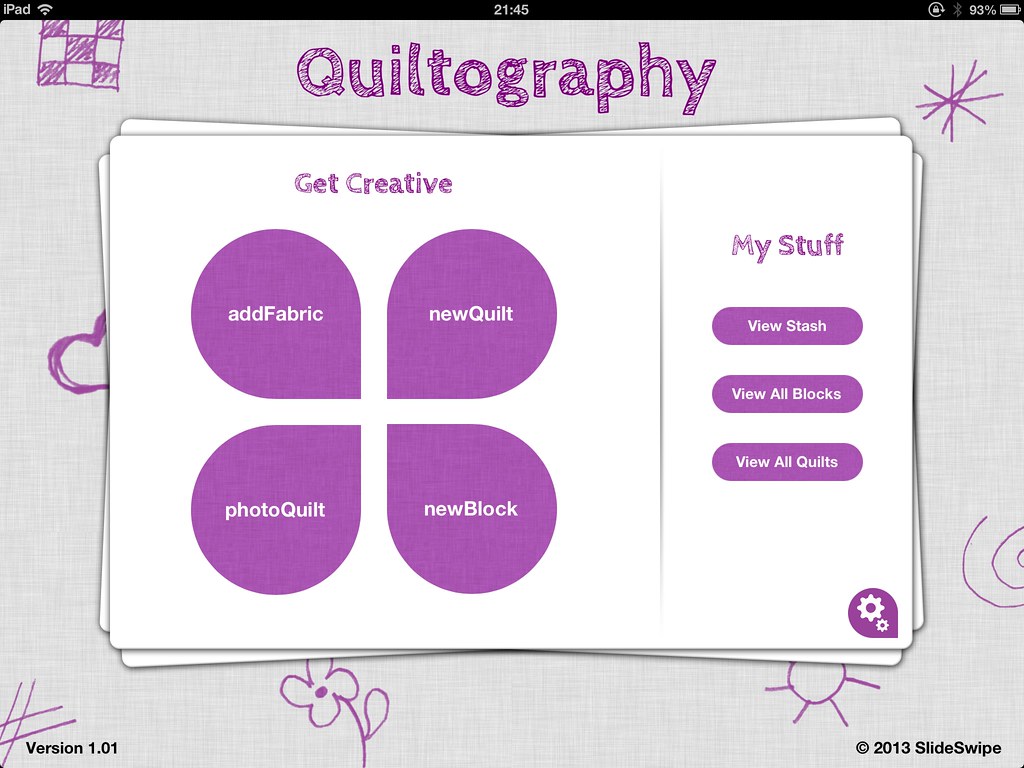
There is a little bit about it on the App Store...


Or you might have seen Lynne, of Lily's Quilts talking about it...


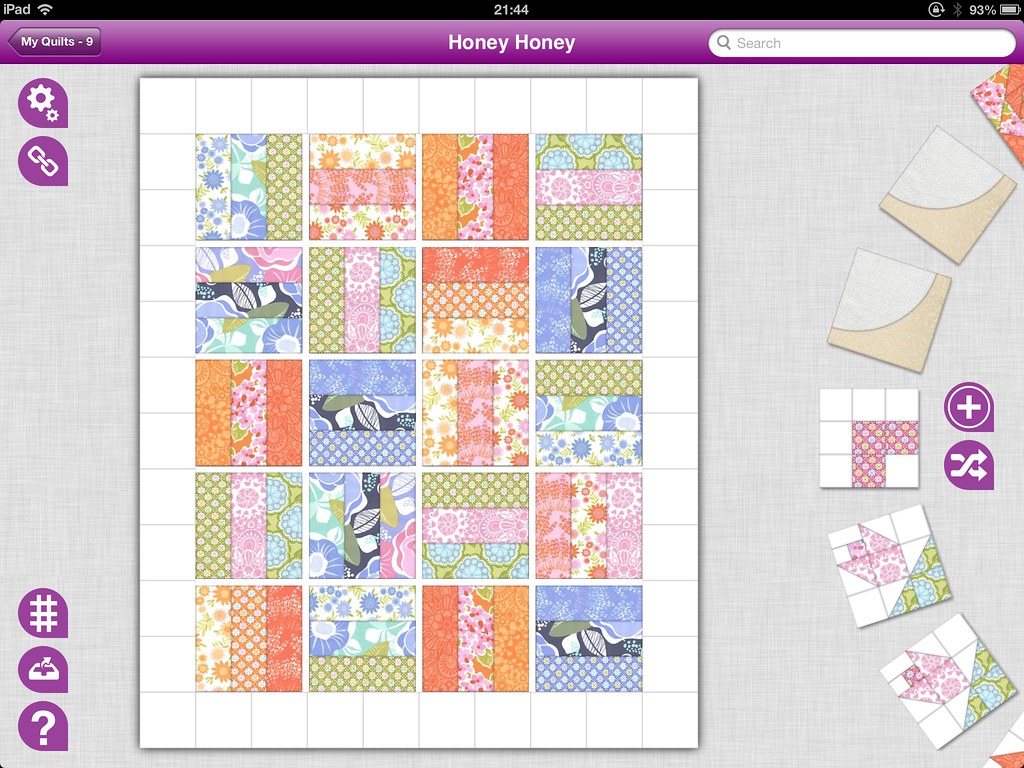
But the possibilities are endless and I have been having a little play myself, creating loads of pretty blocks...


Simple quilts made from rotated cascading blocks...


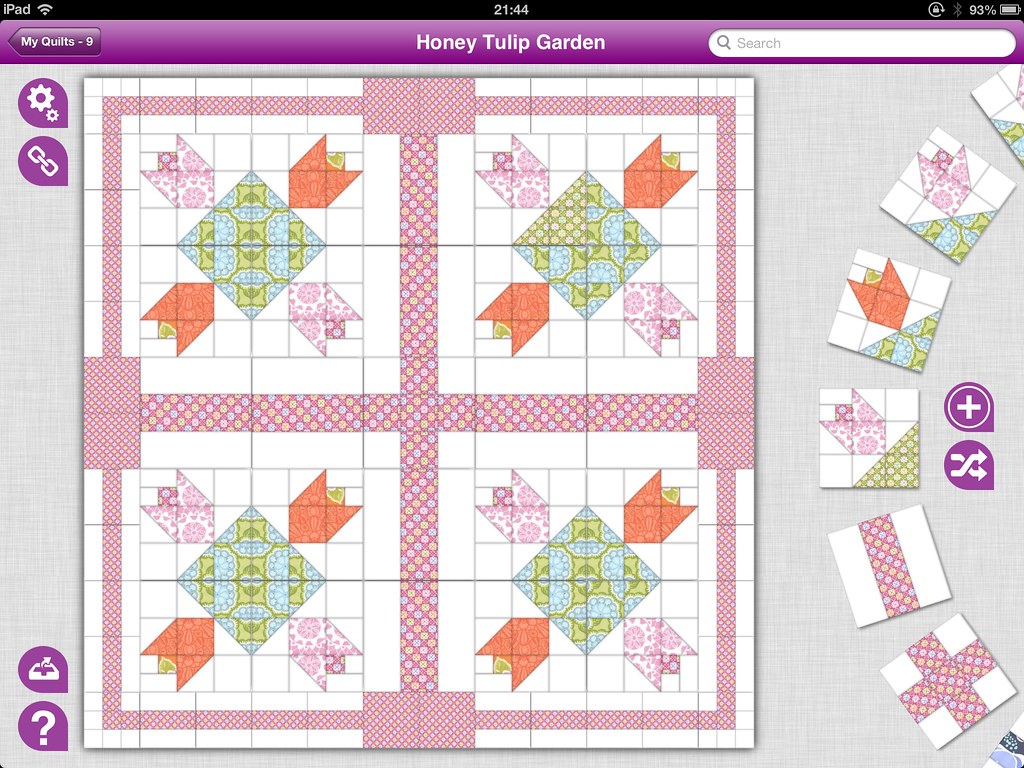
Adding sashing and borders...


And using traditional block designs to create unique quilts...


I have even been experimenting with medallion quilts, but that's another story! Please go have a look at the app and let me know what you think, I would love to hear about anything you have designed using Quiltography or how it has been useful. 

If you have downloaded Quiltography, or are thinking about it, you can head over to the flickr group to post your images and join the chat!

Equally, I would also like to know if you think it is missing something or if you have a problem, so that we can either help you out or we can get to work on an update!

J x

Sunday, 7 August 2011

It's on the way!

Exciting News!

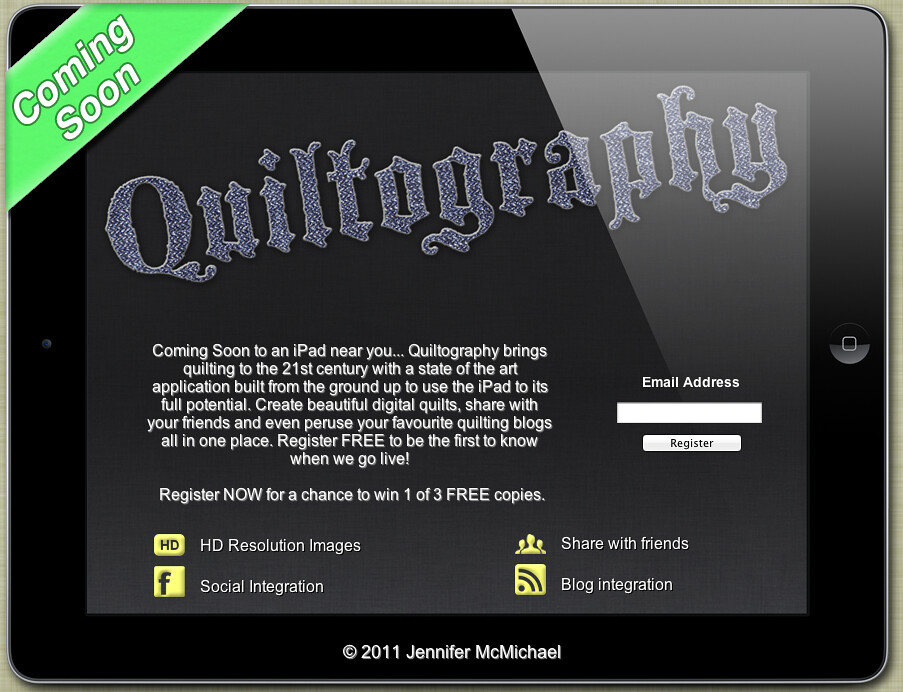
I really love to experiment with quilt layouts and colours and have been thinking it would be great to have something quick and cheap that I can take anywhere and play around with. This was the starting point for Quiltography - it is going to be an iPad app that I am having developed for modern quilters that lets you choose from a library of quilt blocks and arrange them on your virtual quilt with colours or images from your photo gallery. This way you can put layouts together quickly and change them as much as you like without having all those bits of coloured paper lying around the house (which is what I usually end up with!) and other secret features that have yet to be announced, by signing up at the website now you can receive updates when more features are revealed :)


It's still in development, so if you have any ideas I would love to hear about them and if something you suggest is included in the final app or subsequent updates I will include your name and a link to your blog (if you have one) in the credits!

Please go over to quiltography.co.uk to register your interest and be one of the first people to know when it goes live on the app store! If you register on the site you will be entered into a prize draw to win one of three FREE copies of Quiltography on launch but for another chance to win a copy of the app all you have to do is write a blog post about it and comment on this post to let me know :)

We all like FREE stuff, right?

Jx

Wednesday, 23 February 2011

ipad case

Last summer C queued for his ipad on release day at the apple shop and it has been his baby ever since, he keeps it in a plain black Apple case that was starting to look a little boring, but knowing how much he protects it- not just any replacement would do...

-drum roll please-

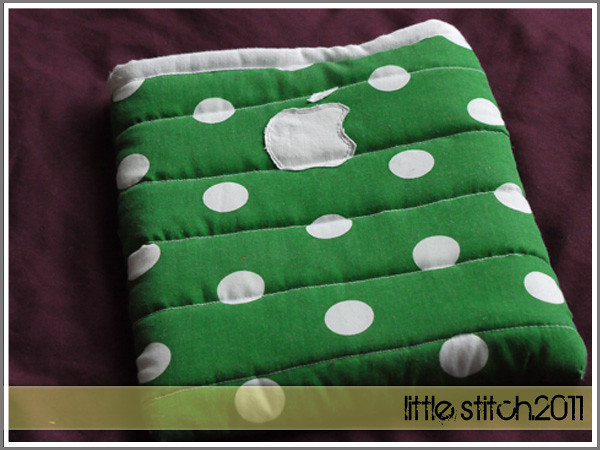
C's ipad case!!!!


I'm quite pleased with it, other than a handful of beginner "duh!" moments it has turned out pretty well and it contained a lot of firsts;
- first pattern designed completely from scratch
- first gift made using my sewing machine
- first quilting attempt
- first binding attempt
- first raw edge applique

I had several points in mind for my brief, it had to;
- protect the ipad if it was dropped (to some extent)
- be easy to slide the ipad in and out
- not have a seam at the bottom (where it would need most padding)
- have no exposed seams on the inside
- it had to be manly fabric with an exceptionally soft, non-scratch interior

and I think all of them were accomplished! Except for maybe the manly fabric- that is hard to find, I settled on the polka dots but I don't think they are too girly to be seen out in public.

The front of the case has an oversized appliqued apple to match that on the ipad itself

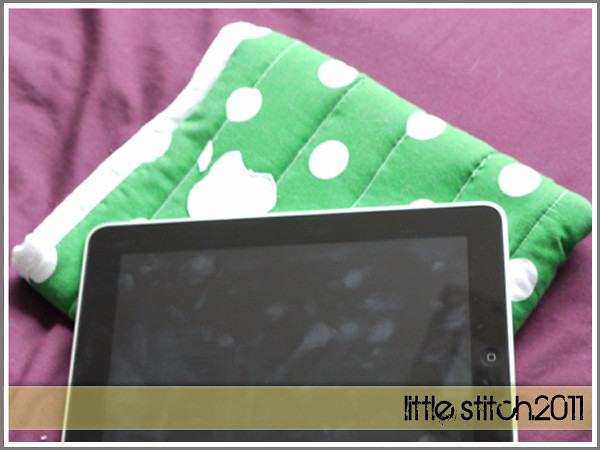
and the back has a little apple camouflaged in the corner disguised as a polka dot

J x